Design furniture from panels in 3D
In your browser — cutting list, quote and DXF, nothing to install.
Dividing Cabinets into Drawers: Front Heights in 3D
Divide cabinets into drawers in 3D: set front heights, add internal drawers, leave open spaces, configure handles, and adjust dimensions easily.

From design to quote and CNC
Three steps to finished furniture
Enter your room dimensions
Width, depth, height, walls, windows and doors. The room appears instantly in 3D.
Build furniture, simpler
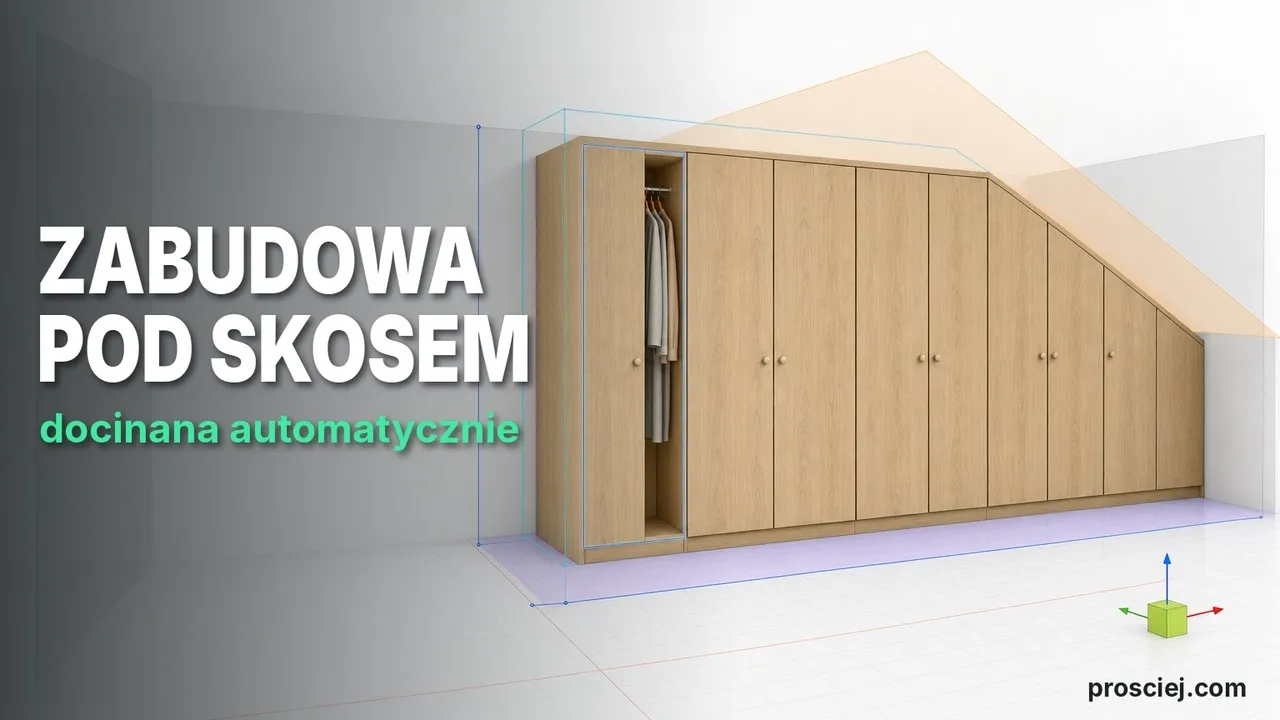
You don't stack a cabinet together from single boards like building blocks. You insert a ready carcass, and Prosciej pushes it to the wall, places the next ones beside it and calculates the fronts with gaps for you.
Cutting list with a quote
Cutting list with dimensions and prices as a PDF, plus a 3D preview link for your client.
From panels to finished furniture — right in your browser
Room, cabinets, panels, countertop — all from real dimensions in millimetres. No installation, on any computer.
Not sure where to click? Ask the Helper
The Helper built into the editor shows where every tool is and explains what it does. No manual, no hunting through menus.
Ask in your own words
Type something like “how do I add a drawer” — the Helper opens the right panel and points at the button.
What’s this?
Point at any button and see what it does. The click never runs it, so you can’t break anything.
Why it’s greyed out
When a tool is inactive, the Helper tells you what is missing: a selected cabinet, a saved project or a plan.
See how the Helper guides you through the editor
One question, five steps, and the drawers are in the cabinet. This is a real run in the editor, click by click.
- 1 · Question
Ask in your own words
You type “how do I add a drawer?”. The Helper suggests the right tool straight away.
- 2 · Guidance
Click where it glows
It selects your furniture for you, then highlights “Simplify” and “Smart components”.
- 3 · Niche
Point at the niche
Hover over the cabinet’s niche and click. The drawers window opens with its dimensions.
- 4 · Done
Drawers in the cabinet
Choose how many drawers and click “Add drawers”. The Helper ticks off the last step.
Simple pricing for carpenters and designers
From a demo to the full feature set with AI visualizations and your own branding. Net prices — we add 23% VAT to each. Cancel anytime.
A full demo of the whole app. No saving, export or sharing.
Everything a workshop needs: project saving, PDF quotes and DXF files for CNC machines.
Standard + your own branding: logo on PDF quotes and on the client link.
Card, Apple Pay or Google Pay. Payment renews automatically every month — cancel anytime.
BLIK or Przelewy24. A one-time payment for 30 days, with no automatic renewal.